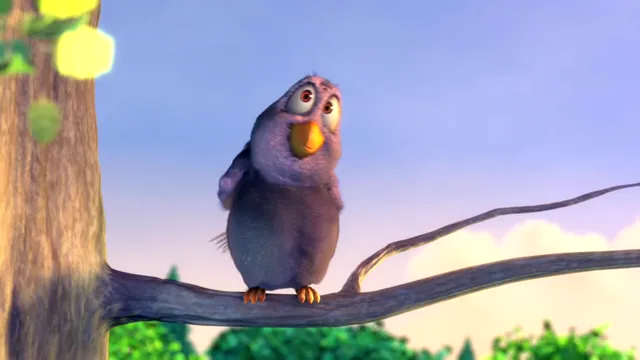
 STORY FILMS
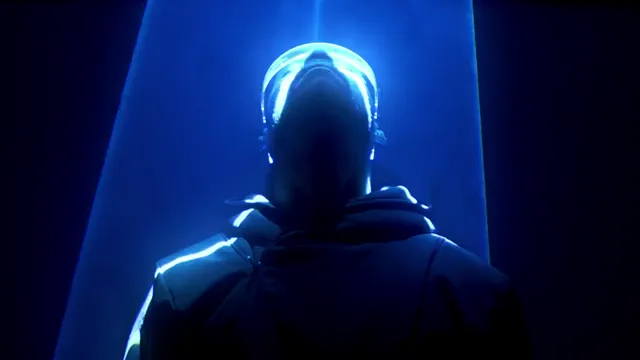 CINEMA
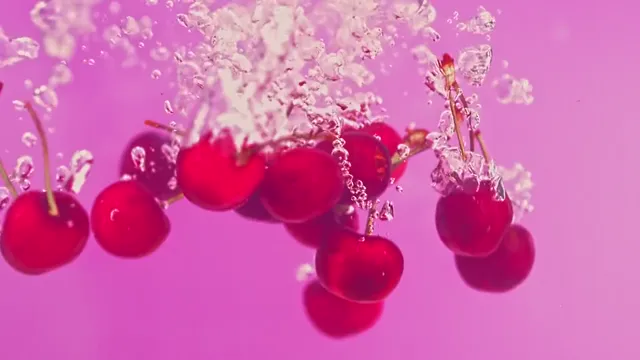 PRODUCT FILMS
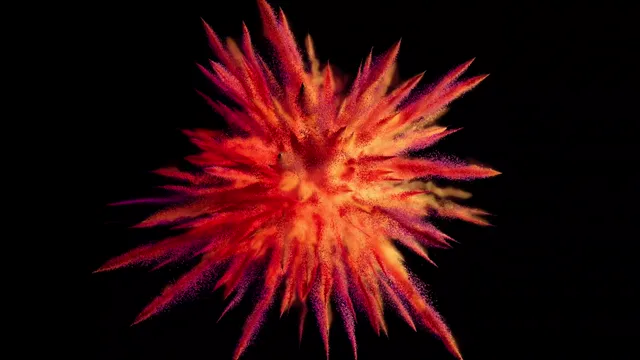 MOTION
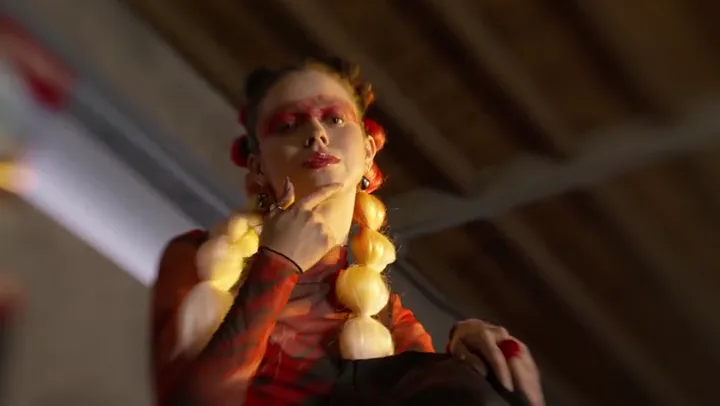 VIDEO REMIX
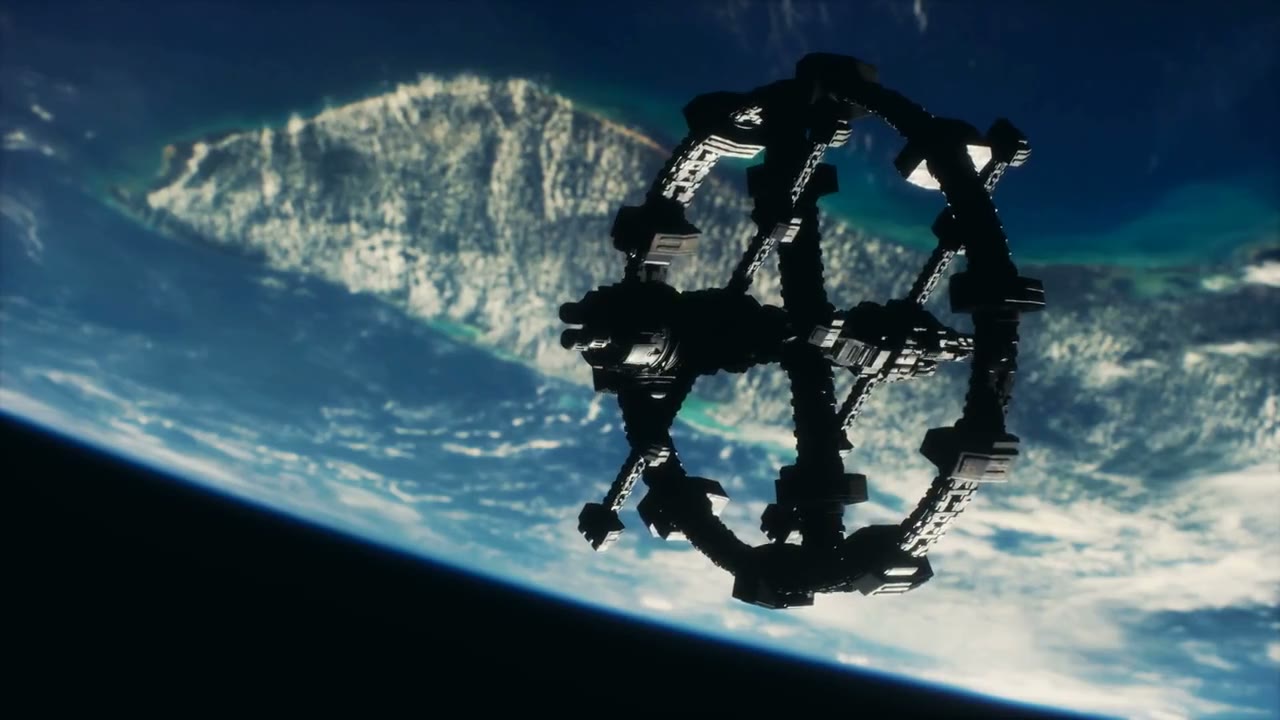 AI INSPIRATION
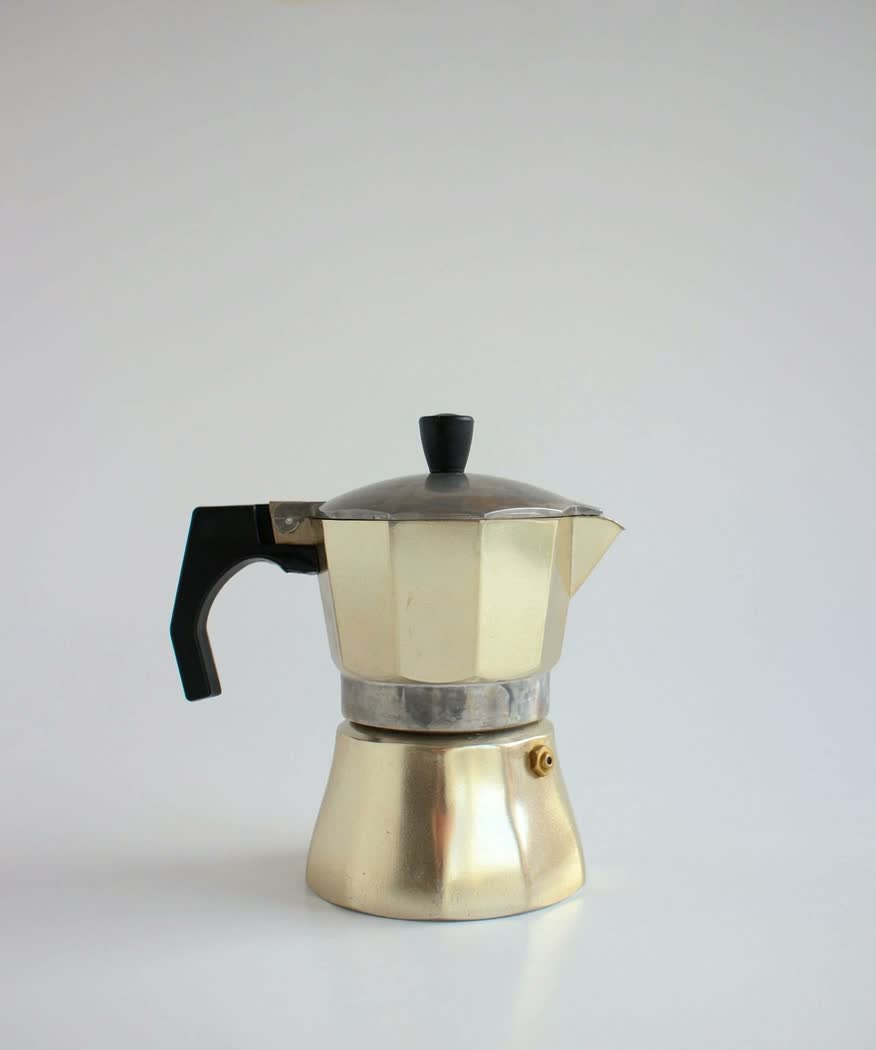
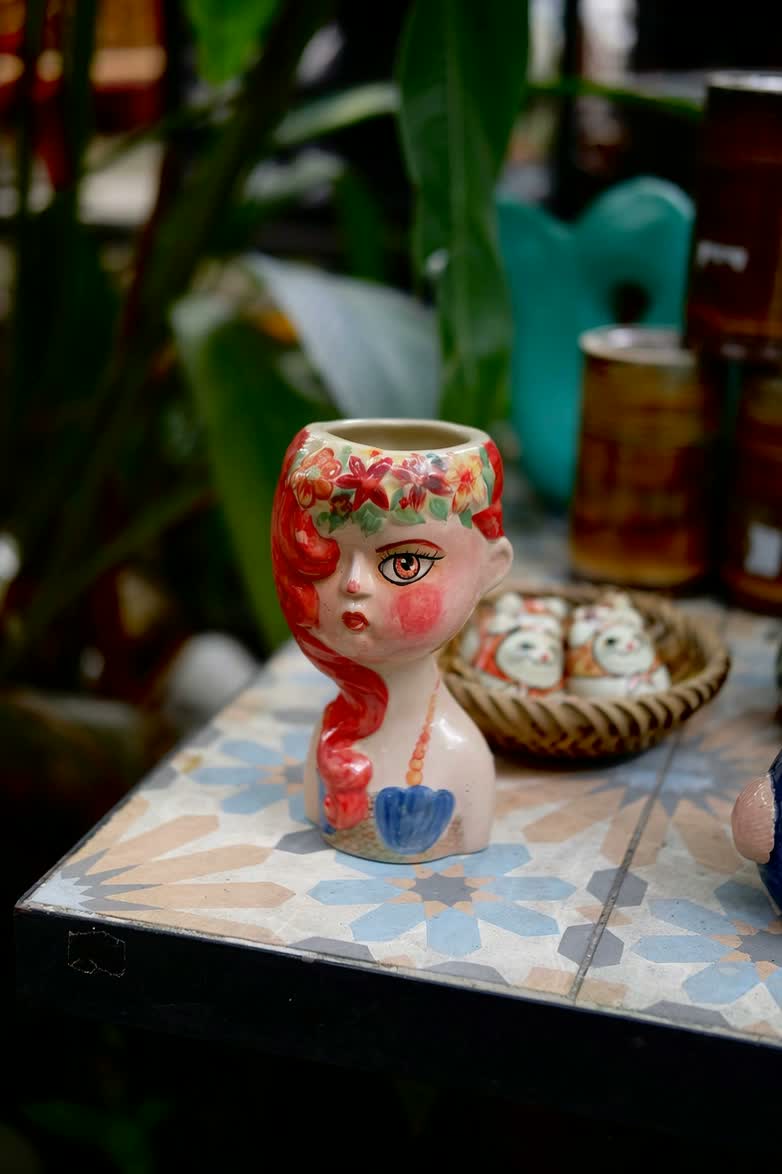
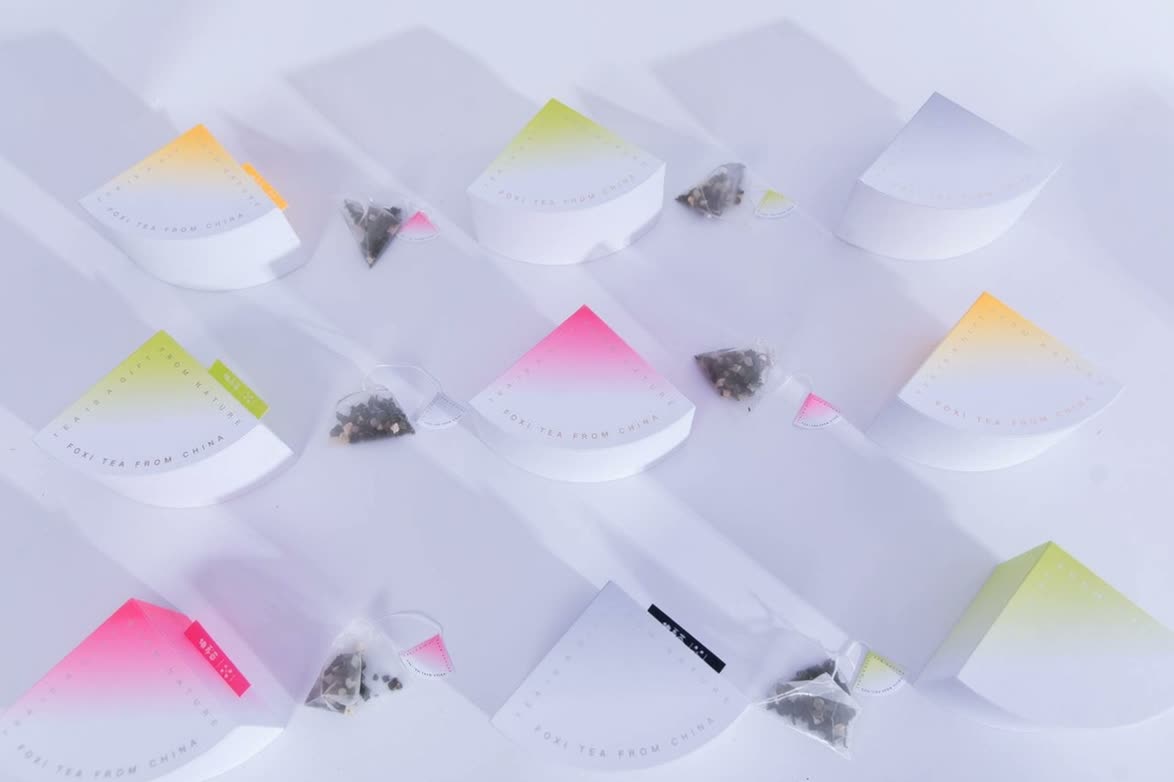
Creative remix
Study the movement and transitions, then build your own hook.
 ClipmivoAI
Find a starting point for a cinematic sequence.
Create product shots from stills, textures and light. · Product inspiration
Study the hook, motion and pacing, then rebuild it with your own material.
Define a look, wardrobe and lighting, then use the finished image to create a video.
Characters, worlds and imagination in motion.
Explore the result, then open the workflow that makes it possible.
Study the movement and transitions, then build your own hook.
Turn your own product photo into a reveal and detail shot.
Plan an ad around the selling point and opening hook.
Build a sequence that establishes a character and a mood.
Plan the framing, composition and room for a social cover title.
Plan product scenes around a consistent brand style.
CREATION SUITE
MARKETING WORKFLOWS
Choose a task and start with a prompt, shot plan or reference.

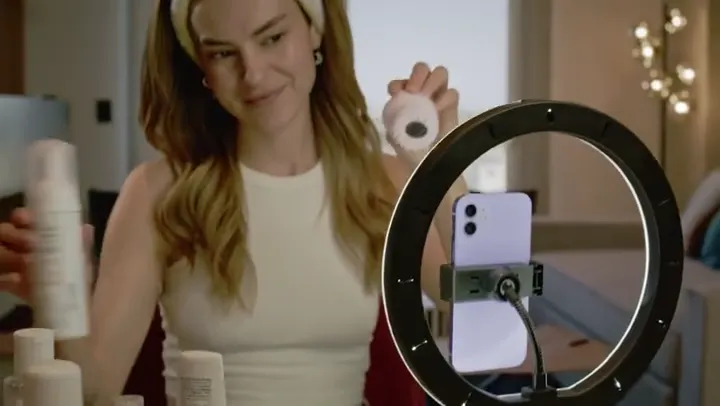
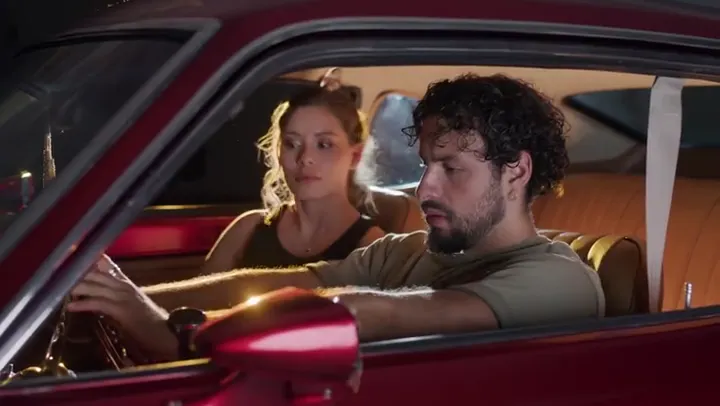
FROM IDEA TO SHOT
Describe your product, audience and one selling point, then choose an aspect ratio.
Open the product shot plannerWORKFLOW EXAMPLE
MODEL DIRECTORY
Check supported inputs, output settings and a live credit quote in the studio.
Browse models, upload references, submit jobs and download results.
BUILT FOR YOUR WORK
Scan to send a phone photo to your desktop draft, or take a finished video back to your phone.
CREATE
QUICK HELP
Start from an image if you have one, or describe your shot in text. To carry a look or a motion into a new shot, choose reference to video and check which inputs the studio accepts.
The studio shows a quote after you choose settings and upload any required media. Your final charge depends on the locked rate and actual settled usage.
Sign in and open My creations to track progress and download completed, saved videos.