01 · Subject first
Create a cover background with one clear subject, a simple backdrop and strong tonal separation. Keep the subject away from crop edges and recognizable at thumbnail size. Generate no text.
 ClipmivoAI
IMAGE / FREE CREATIVE PLANNER
Explore subject-led, copy-space and environmental cover layouts for vertical, square or landscape content.
For video creators, social publishers and brand editors.
Start your plan ↓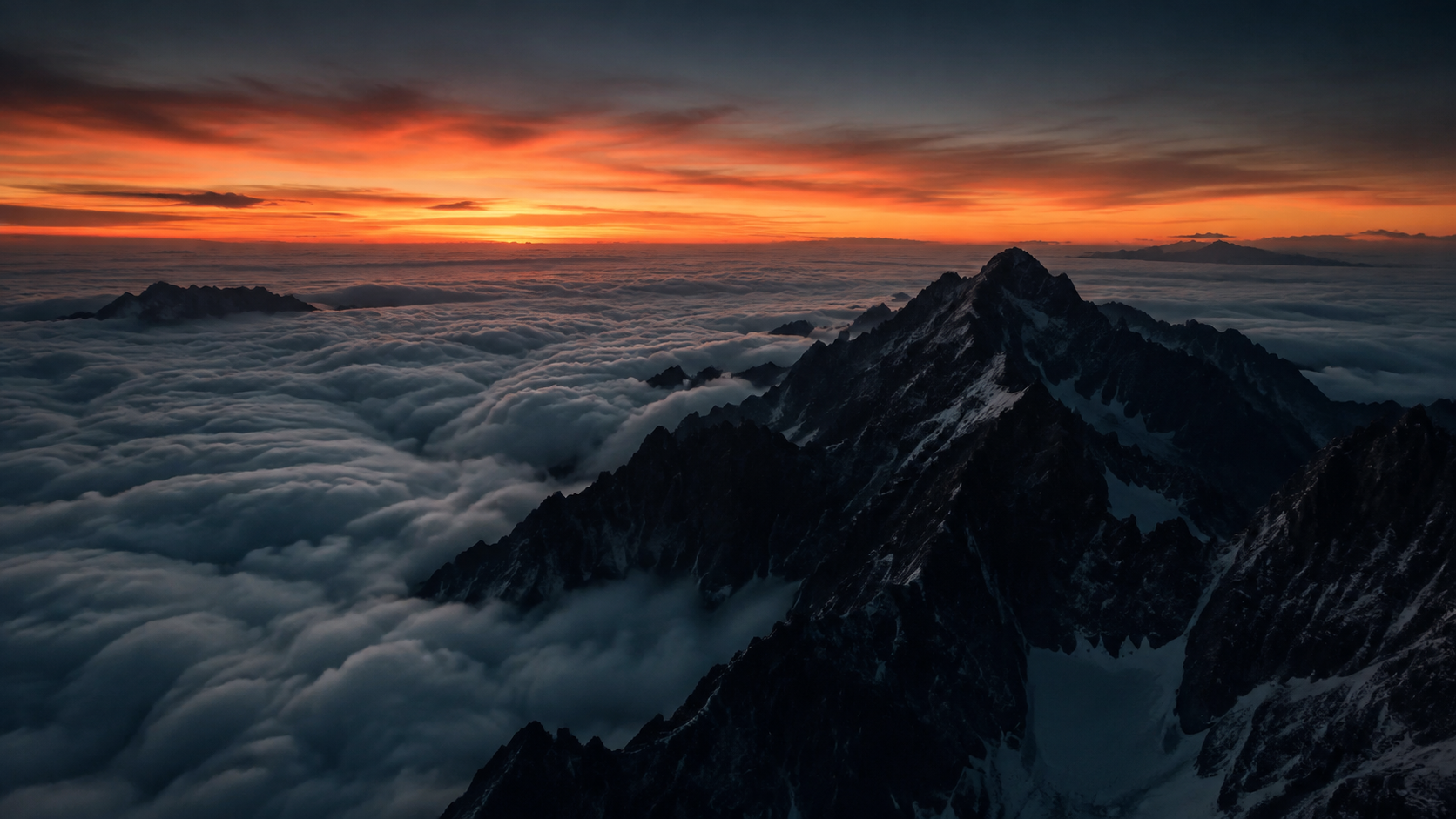
Plan prompts for free, without signing in. Review the quote in the studio before generating images or video.
Create a cover background with one clear subject, a simple backdrop and strong tonal separation. Keep the subject away from crop edges and recognizable at thumbnail size. Generate no text.
Place the subject in the lower third and keep a broad, low-detail area above for a title added later. Use a clear color hierarchy. Generate no letters, numbers, watermarks or buttons.
Express the theme through the relationship between subject and setting, with clear depth and one focal point. Avoid cluttered collage, leave crop room around the edges and generate no text.