 ClipmivoAI
CLIPMIVOAI / SCENARIO APPS
Start with what you want to make.
Free creative planners for product videos, social ads, cinematic B-roll and image concepts. Build a brief, then create in ClipmivoAI Video or Image.
What are you making today?
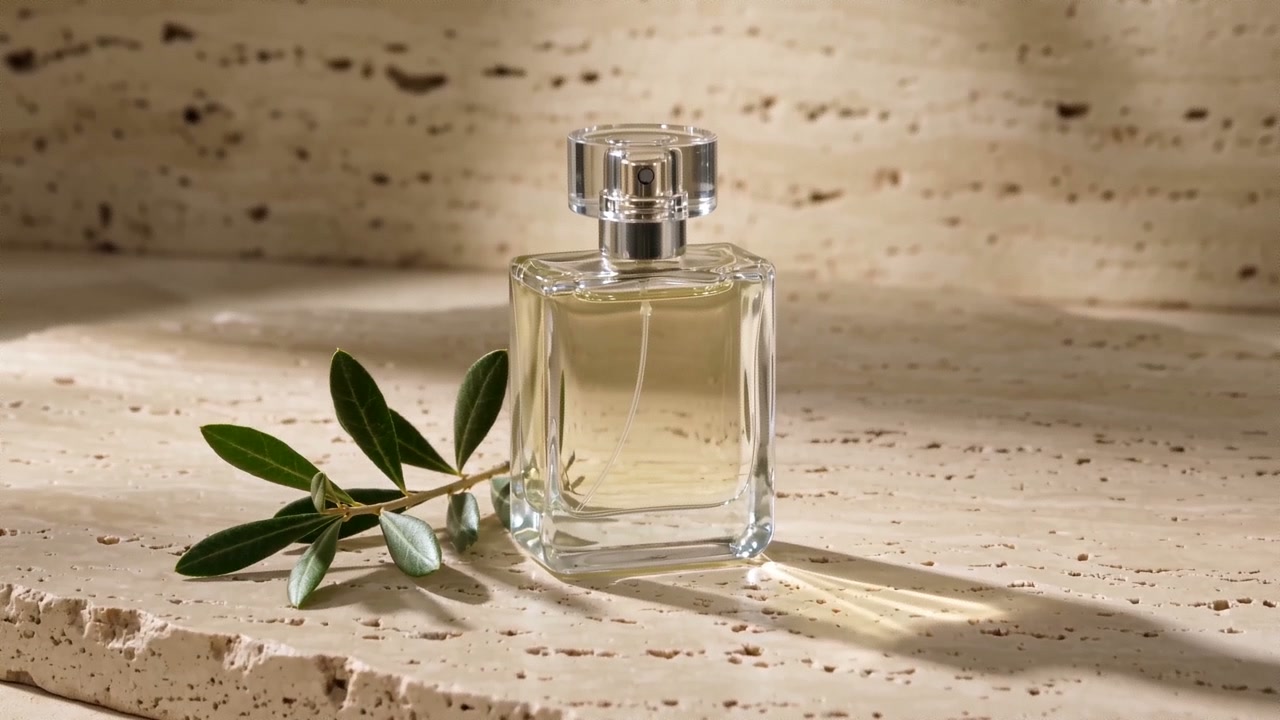 Style reference
VIDEO / FREE PLANNER
Product video planner
Turn a product brief into hero, detail and use-case shots, ready to create individually in the video studio.
Open planner →
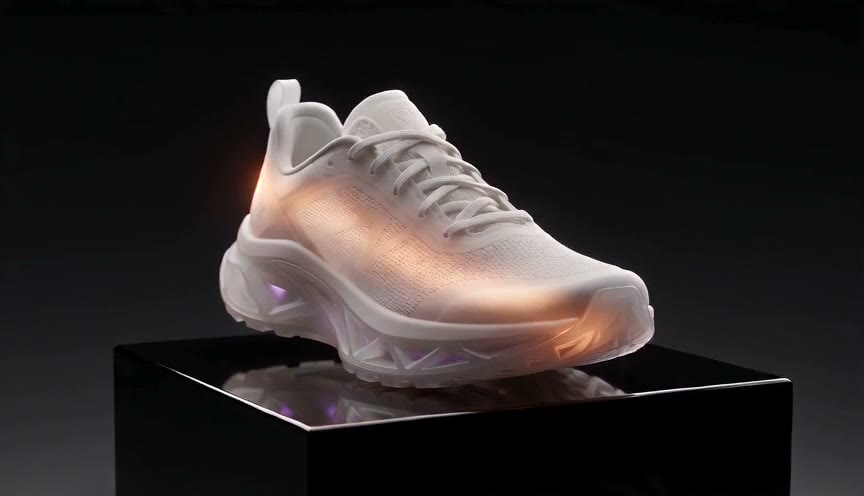 Style reference
VIDEO / FREE PLANNER
Social ad storyboard
Build an opening, demonstration and closing shot around one audience and one real benefit for your next social ad.
Open planner →
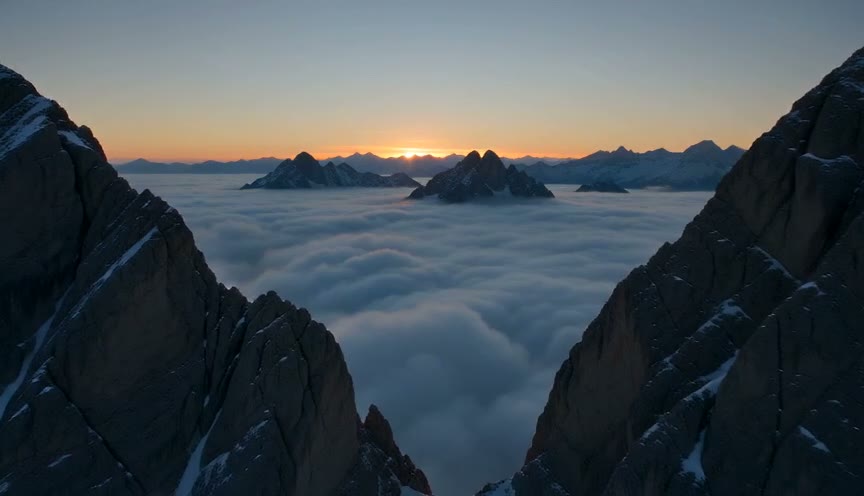 Style reference
VIDEO / FREE PLANNER
Cinematic B-roll planner
Plan wide, medium and detail shots from a place, time and mood to add atmosphere and transitions to a story.
Open planner →
Style referenceIMAGE / FREE PLANNER
Product scene concepts
Explore studio, lifestyle and material-detail directions for a product with ready-to-edit image prompts.
Open planner →
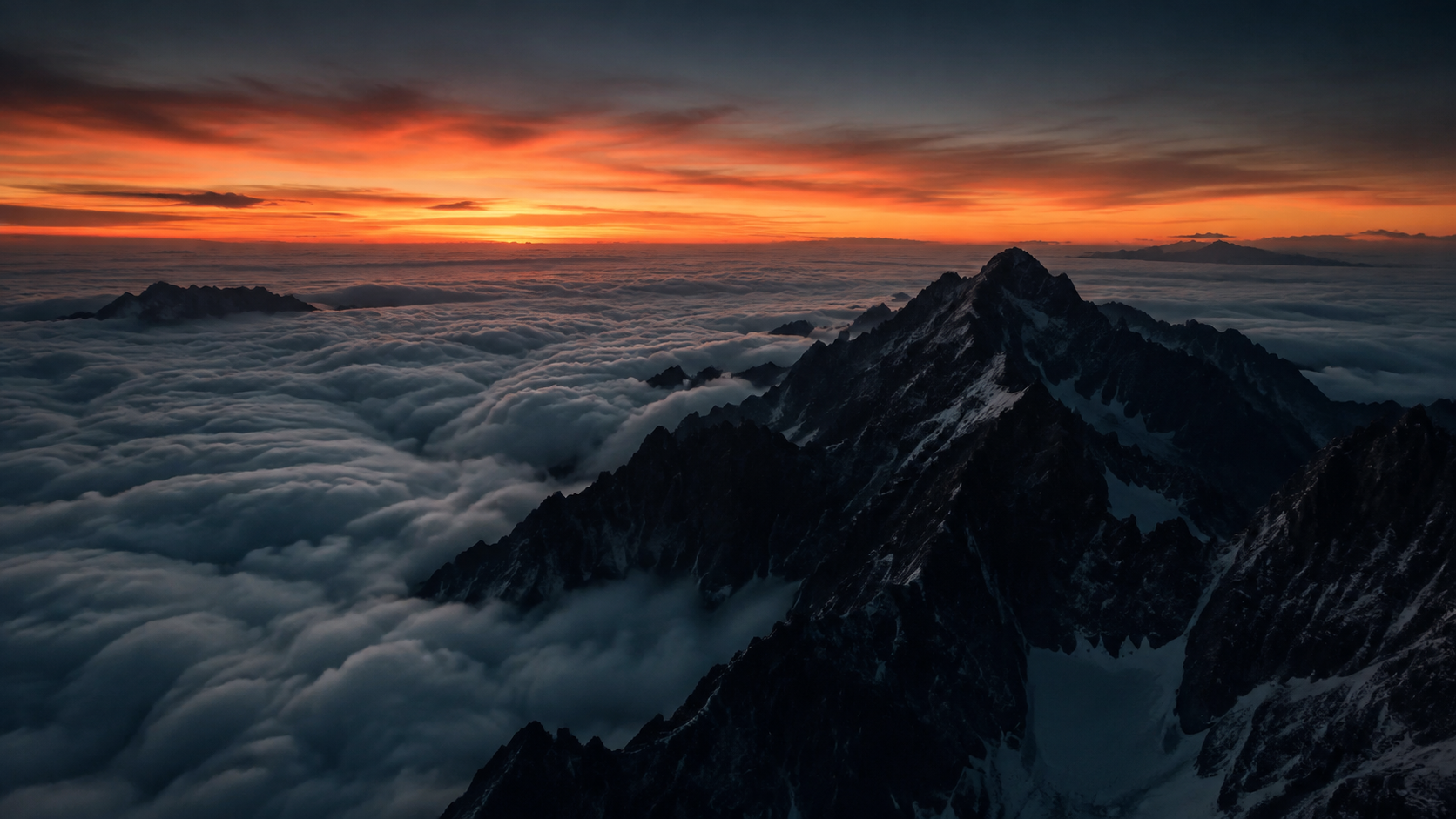 Style reference
IMAGE / FREE PLANNER
Social cover concepts
Explore subject-led, copy-space and environmental cover layouts for vertical, square or landscape content.
Open planner →
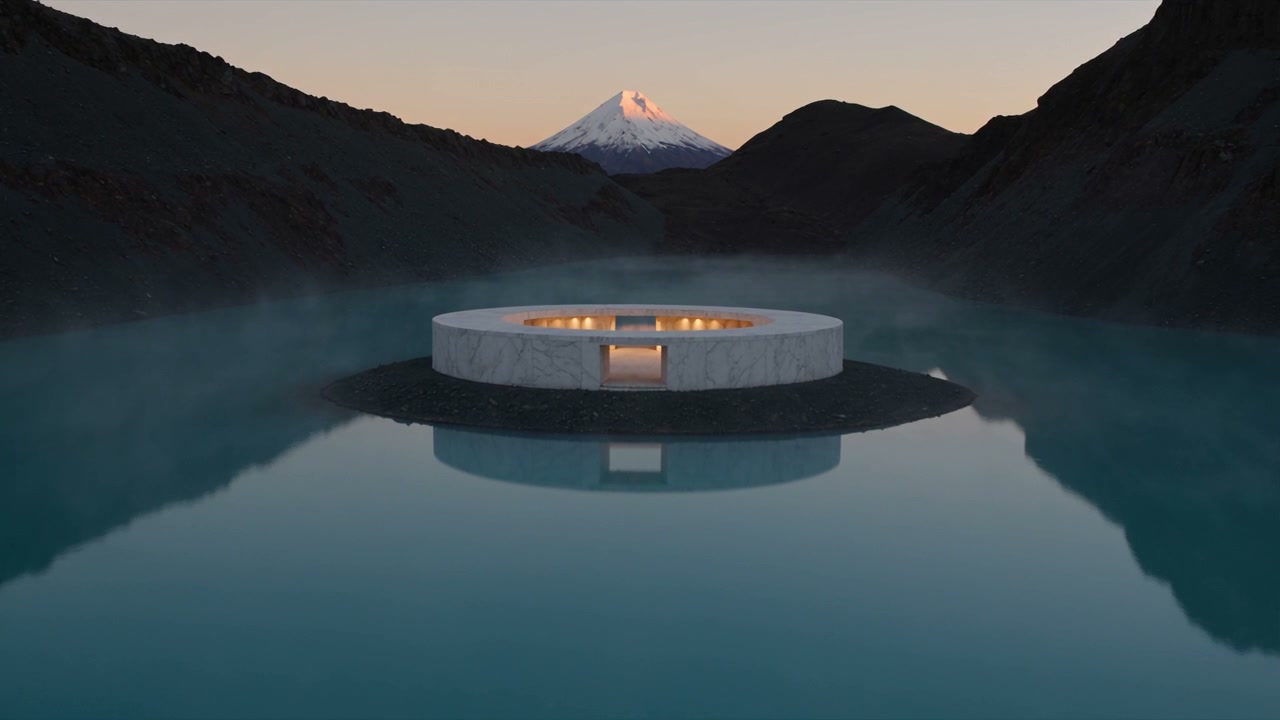 Style reference
IMAGE / FREE PLANNER
Game world concept planner
Break an original world brief into environment, prop and key-art explorations for conversations between design and art teams.
Open planner →
01 · Describe the idea
Choose a scenario and describe the subject, audience and visual direction. Planning happens in your browser.
02 · Shape your brief
Get three editable prompts. Copy them or download a Markdown brief to review and refine.
03 · Make the media
Open the selected prompt in the studio, choose a model and review the quote before generation. Edit video shots together afterward.
Want to continue with an AI assistant?
Give the downloaded brief to your AI assistant, or use Clipmivo Film Skill for generation and local editing. Third-party tools such as Remotion can support typography and composition after separate setup in your own environment.