01 · Hero reveal
Center a single product on a clean set with soft rim lighting. Slowly push in to reveal its silhouette. Keep its shape stable; add no captions or invented logos.
 ClipmivoAI
VIDEO / FREE CREATIVE PLANNER
Turn a product brief into hero, detail and use-case shots, ready to create individually in the video studio.
For online sellers, independent brands and product content teams.
Start your plan ↓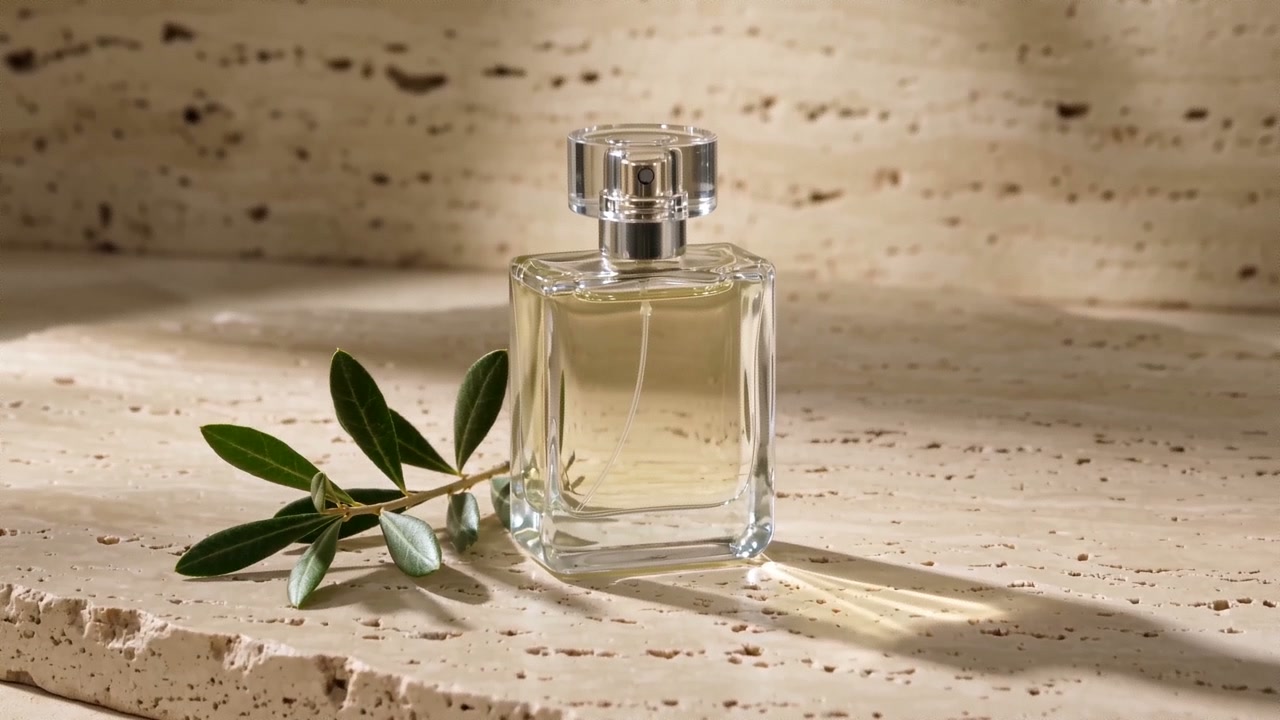
Plan prompts for free, without signing in. Review the quote in the studio before generating images or video.
Center a single product on a clean set with soft rim lighting. Slowly push in to reveal its silhouette. Keep its shape stable; add no captions or invented logos.
Use a macro side view and shallow depth of field to show its distinctive material. Track slowly across the surface. Show only supplied details, with no unverified performance demonstration.
Place the product in a simple setting appropriate to its use. Use a locked camera with subtle natural ambient motion. Keep the subject clear and leave clean space for copy added in editing.