ClipmivoAI

VIDEO / FREE CREATIVE PLANNER

Story video planner

Build a three-shot story around a character’s goal, then open each shot in the video studio.

For character animation, vertical stories and original short films.

Start your plan ↓
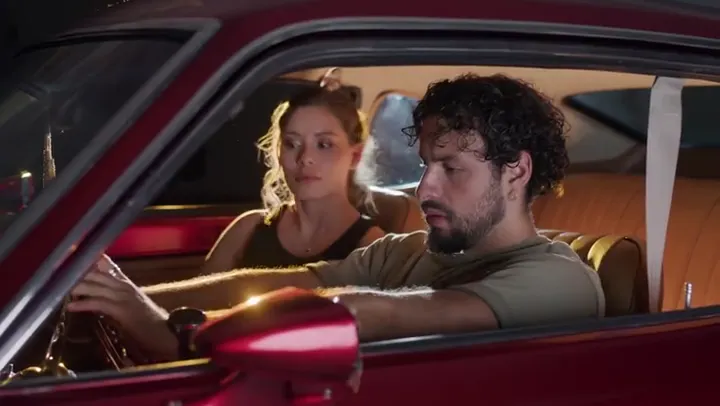
Visual style reference for this scenario
Style reference. Your results depend on the prompt, model and generation settings.Mixkit · SourceLicense

Turn your idea into a creative plan

Plan prompts for free, without signing in. Review the quote in the studio before generating images or video.

What will you plan?

01 · Opening

Introduce the character and make the goal visible. Use one clear action to show what they want, keeping any key prop in frame.

02 · Turning point

Show the main obstacle or surprise as a visible action. Move closer for the character’s reaction or choice, keeping wardrobe and props consistent.

03 · Ending

Pay off the opening goal with a visible consequence. Keep the spatial direction consistent and hold the final action for a beat.

Before you create

Does this create finished media?
Three editable shot prompts for the opening, turning point and ending. This page organizes prompts from your inputs without calling a generation model. Open a selected prompt in the studio to generate media. Video editing, captions and music are separate steps.
What should I review?
Check wardrobe, props and movement across shots. To guide a consistent look, choose a reference-capable mode in the studio and add your own character image.
When do I need an account and credits?
Planning, editing and downloading a brief are free. Actual generation uses the existing Video / Image sign-in, model and credit-quote flow; confirm the quote before submitting. Drafts are kept temporarily in this browser tab and may be lost when it closes.

Explore next